






Get Backdrop
Launch price $9.90 once
$14.90 after launch. Free for 10 days.
Buying accepts the license terms. Activation needs an internet connection.
Prices include applicable tax. One active Mac per license.
 Backdrop
Get Backdrop


 TextEditThe Quiet Cost of Switching.rtf
The Quiet Cost of Switching.rtf

 XcodeLayoutEngine.swift
 Terminalbackdrop — zsh
 SafariAccessibility | Apple Developer
LayoutEngine.swift
backdrop — zsh
Accessibility | Apple Developer
SafariLisbon - Wikipedia
 PreviewLisbon trip.pdf
Lisbon - Wikipedia
Lisbon trip.pdf
 Main and stackFocus
 Arrange windows now
Pause


Every window belongs to a project. Pick one on the board, or press 1, 2 or 3.
Your main window gets 60% of the screen. The rest stack beside it.
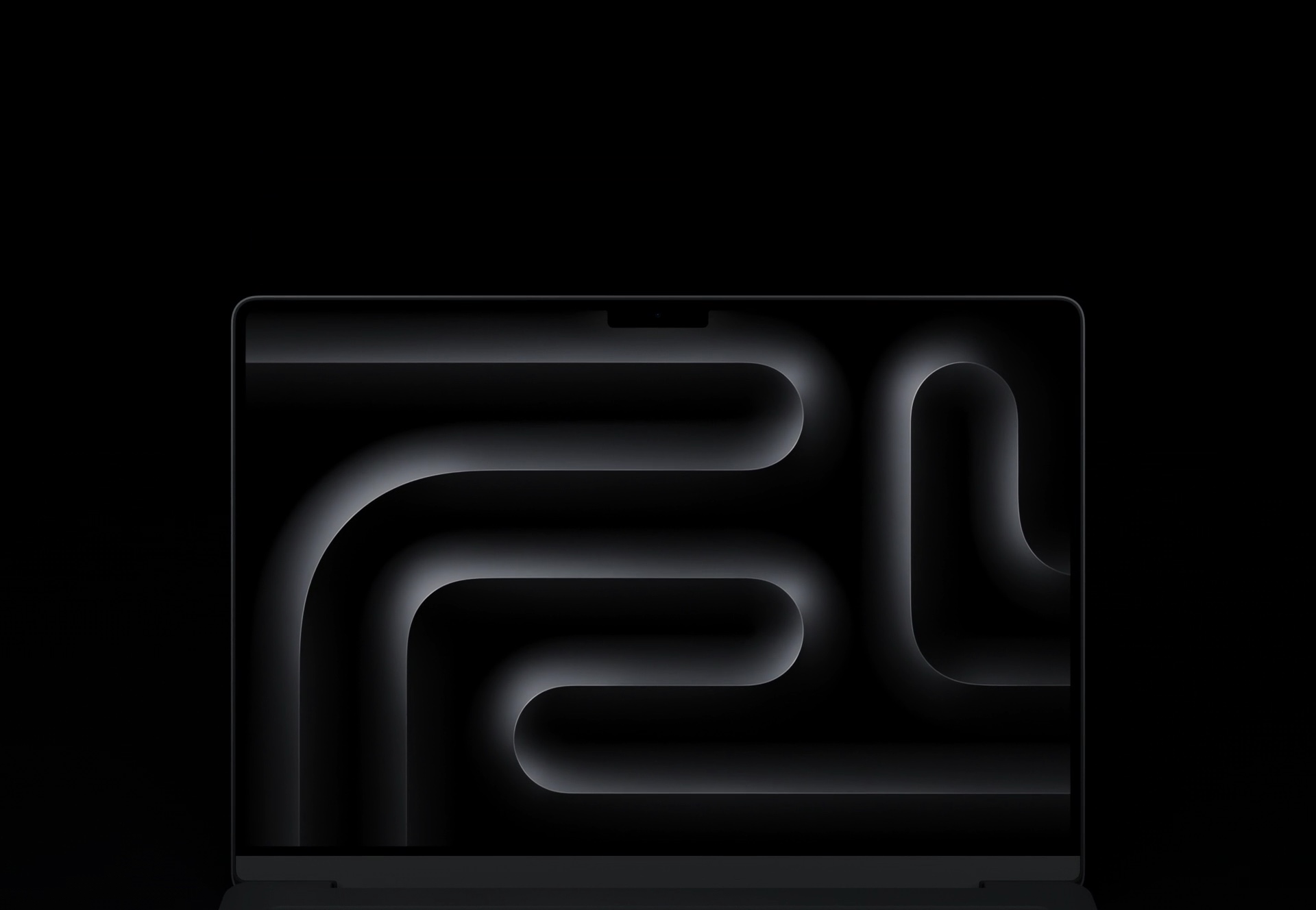
Drag a window by its title bar up to the notch. The Notchboard opens, and you drop it on a project.
Launch price $9.90 once
$14.90 after launch. Free for 10 days.
Buying accepts the license terms. Activation needs an internet connection.
Prices include applicable tax. One active Mac per license.
Backdrop groups your open windows by project. When you switch, it minimizes the other projects’ windows and restores the selected project’s windows in its layout. Windows you minimized yourself stay minimized, and nothing is closed.
No. On a display without a notch, Backdrop draws one at the top center while you drag a window, so the Notchboard works on external monitors too. You can also manage projects from the menu bar, switch with keyboard shortcuts, and turn the Notchboard off in Settings.
Yes. Choose Keep my layout to organize windows by project without tiling them. When you want an arranged layout, choose Side by side, Main and stack, Grid, or Focus.
Backdrop uses macOS Accessibility access to move, resize, and manage your app windows. You grant it during setup in System Settings. Screen Recording access is only needed if you enable the optional smoother window animations.
Backdrop requires macOS 14 or later.
Yes. Each display gets its own layout.
Yes. A license is active on one Mac at a time. In Backdrop Settings → License, choose Deactivate this Mac, then activate your code on the new one. If you no longer have the old Mac, contact support from your purchase email.